
Getting timely payments in freelancer space, looks like a never-ending war. Invoicing for freelance work means much more than simply sending across a bill – it describes an overall approach to creating a clear, professional, and effective organization where your money eventually comes home quickly and without complications. Whether you are a graphic designer, writer, consultant or developer, knowing how much you should invoice — and when — can be the difference between receiving payment on time, and catching your clients running for the hills.
In this guide, we will reveal some key areas in which you can make your freelance invoicing process a little bit more efficient, some of the tools that can help you save time, and how to monitor client payments to ensure you get paid on time — every time.
What Every Freelance Invoicing Needs to Succeed?
Whereas in a traditional job, paychecks arrive automatically, freelancers have to create, send and follow up on invoices to get their money. A well-established invoicing routine is not only professional but also:
- Give obvious payment term expectations
- Minimizes disputes with clients
- Enhances cash flow and financial forecasting
- Establishes your brand as professional and trustworthy
Refining your approach to invoicing is essential if you want to spend more time doing your job and less time chasing payments.
Selected the Best Invoicing System for Freelancers
Finding the right invoicing tool for freelancers is the first step in getting billing done efficiently. These tools facilitate you to create professional invoices, send an invoice immediately, and even receive online payments. Seek invoicing platforms that offer:
- Custom invoice templates for branding
- Minimized Follow up through Automated payment reminders
- Credit card, ACH, PayPal, and a fspectrum of payment options
- Access to mobile app to create invoices on the go
- Track invoice payments so you know if and when clients have paid
Popular examples are FreshBooks, QuickBooks, Wave, and Bonsai—they are all made to help the process go more seamlessly, and faster.
Template for creating an Invoice for your freelance work
The backbone of your billing process is a freelance invoice template. This also helps save time while drafting invoices for multiple clients in ensuring that invoicing details are identical each time. Your template should include:
- Business name, logo and the contact information
- Client’s name and address
- Invoice number for easy reference
- Detailed description of services provided
- Date of issue and due date
- Terms of payment, Net 15, Net 30, etc
- Accepted payment methods
Ready-to-use freelance work invoice not only prepares all the information for you but also ensures you do not overlook important things regarding your payment.
Send Online Invoice For Quicker Payments
Outdated paper invoices Online invoicing tools allow you to write, send and get informed about the status of your invoices instantly and online — no printing, no mailing, no waiting. The benefits include:
- Quicker delivery — your client gets your invoice in a matter of seconds
- No fucking copying paper-ass documents—automated records
- Payment-related links are built-in — You can pay from invoice
- Get notified as soon as a payment is processed
It also minimizes mistakes and allows you to follow up on late payers more conveniently since you do not need to keep track of everything manually.
Also Read: How a Free Invoicing App Can Simplify Your Freelance Workflow?
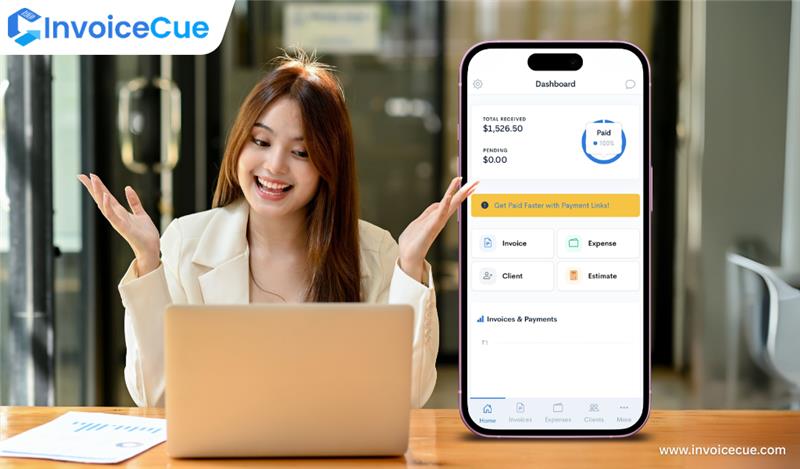
To Avoid Missing Payments, Track Down Your Invoices
Invoice payment tracking — one of the most crucial and often neglected steps in freelance invoicing. Otherwise, you might never remember an unpaid bill, or lose your place with partial payments. Good tracking practices include:
- Invoicing software that automatically updates payment status
- Creating automatic notifications to remind of payment due dates
- Tracking of invoices in a spreadsheet or a dashboard
That way, you have proper oversight of your cash flow situations and are not losing track of unpaid invoices.
Tips to Get Paid Faster as a Freelancer
However, you need to fight to get your money with the best tools. Here are some proven tips:
- Project completed, send invoices immediately
- Establish brief payment conditions (Net 7 or Net 15 rather than Net 30)
- Provide discounts for early payment to facilitate faster TAT
- Leverage late payment fees as an incentive against delays
- Before starting any project, please communicate your payment policy up front
Tip for Lead Generation: Use Your Invoices for Marketing
An invoice can do more than just ask for payment — it can be an advertisement for your business! Now add a section at the very bottom saying with:
- A way to attract new clients through referrals
- Link to your portfolio or social media
- Message to thank them & build rapport
This ensure that your brand stays fresh in the client thoughts long after pocket is made.
Final Thoughts
It should not be difficult to get paid more quickly. With the right Freelance Invoicing Software, a template for your freelance invoice, online invoicing tools, as well as invoice payment tracking, you can streamline your processes and increase your cash flow.
Keep in mind that an effective freelancer invoice is more than just a bill—it is a system that gets you paid on time every time and helps you appear professional enough to be hired again.
FAQs on Freelance Invoicing
1. What to put in a freelance invoice?
Add business and client details, invoice number, work description, payment terms, and payment methods
2. The best invoicing software for freelancers
Freshbooks, Quickbooks, Wave, Invoicecue: These tools are a favorite among freelancers due to their simplicity and automated functionalities.
3. How should I monitor my invoice payments?
Billing software with tracking capabilities or a ledger to track bill payment and easily follow-up on unpaid bills.